Overview #
The Journey Timeline provides a time-ordered view of how a Candidate progresses through a Journey. It shows each action, update, and decision as it happens, allowing you to understand the current state and past activity at a glance.
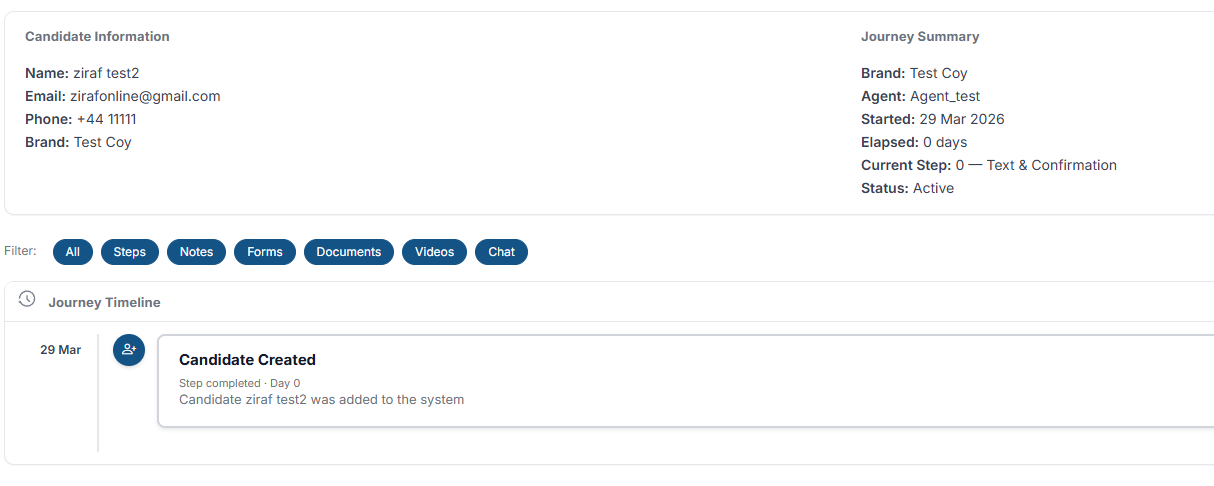 Each entry represents a key moment, such as a completed Step, a system action, or a decision point. Events are ordered from earliest to latest.
How to Access the Journey Timeline #
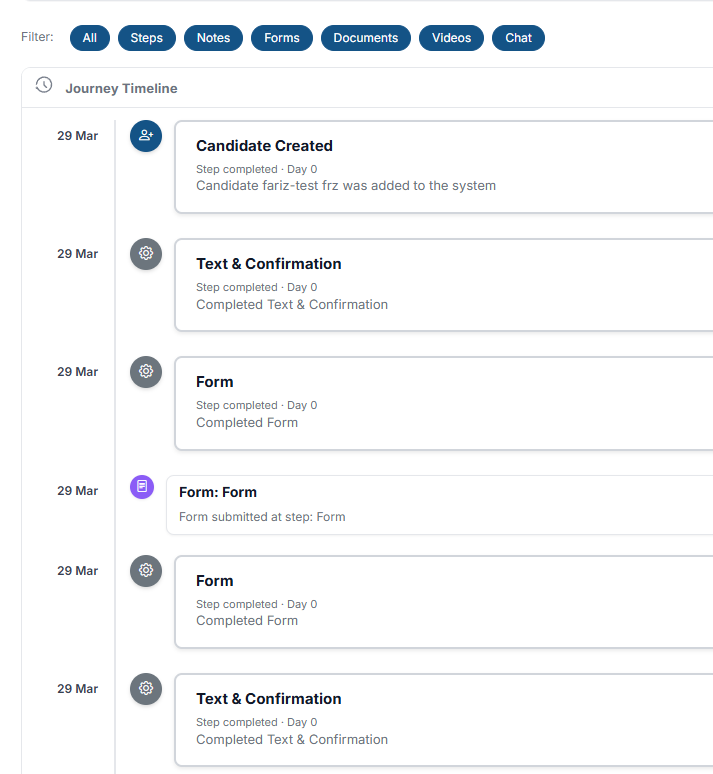
- Open a Candidate record from the Candidates section.
- At the top of the page, click the Journey Timeline tab.
The system displays the full chronological timeline for that Candidate's Journey.
How to Read the Timeline #
The Timeline is designed to be scanned quickly:
- The earliest activity appears at the top
- The most recent activity appears at the bottom
- Each entry shows what happened and when
- The sequence of events shows how the Candidate reached their current state
Scroll down to follow the full progression Step by Step.
Completed vs Pending #
The Timeline distinguishes between completed and pending progression:
- Completed entries represent actions that have already occurred
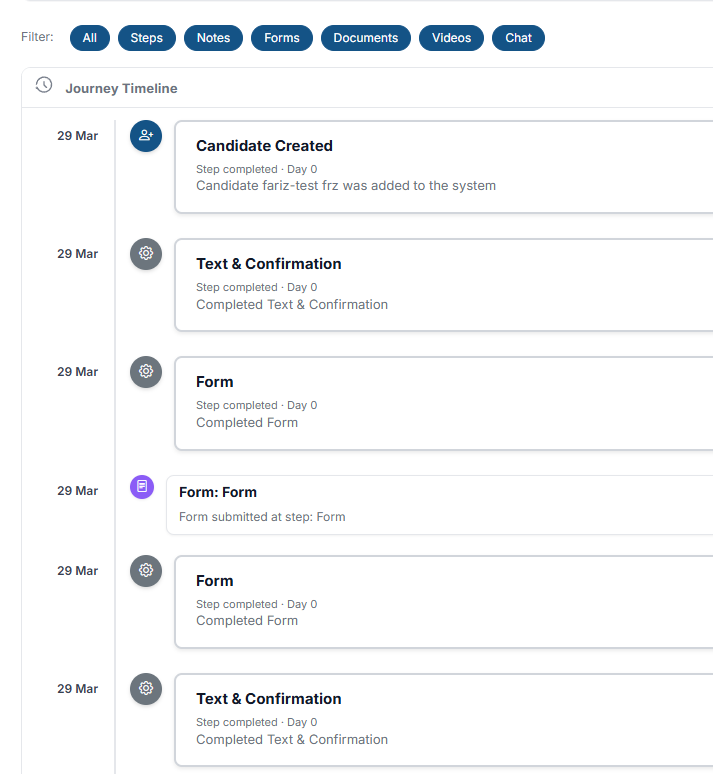
- Pending entries indicate where the Candidate is currently waiting or expected to move next
Paused States #
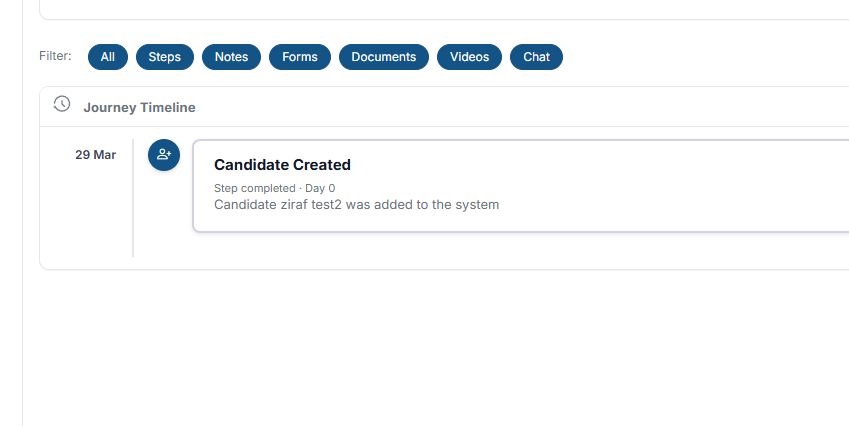
The Timeline shows when a Candidate is paused during the Journey. This happens when the flow requires a decision or condition to be met before continuing.
Examples include:
- Waiting for manual review (see Pause & Review)
- Waiting for approval
- Waiting for required conditions
While paused, the Candidate does not progress until the condition is resolved.
Outcome Changes #
The Timeline records when a Journey reaches an Outcome. This represents the final state, such as:
- Completed
- Approved
- Declined
Outcome entries mark the end of progression and the result of the process.
Why the Journey Timeline Matters #
The Journey Timeline allows you to:
- Understand progression at any point
- Identify delays or blockers
- Track decisions and actions in one place
- Maintain a complete audit trail
It provides a transparent view of how a Candidate has moved through the Journey.